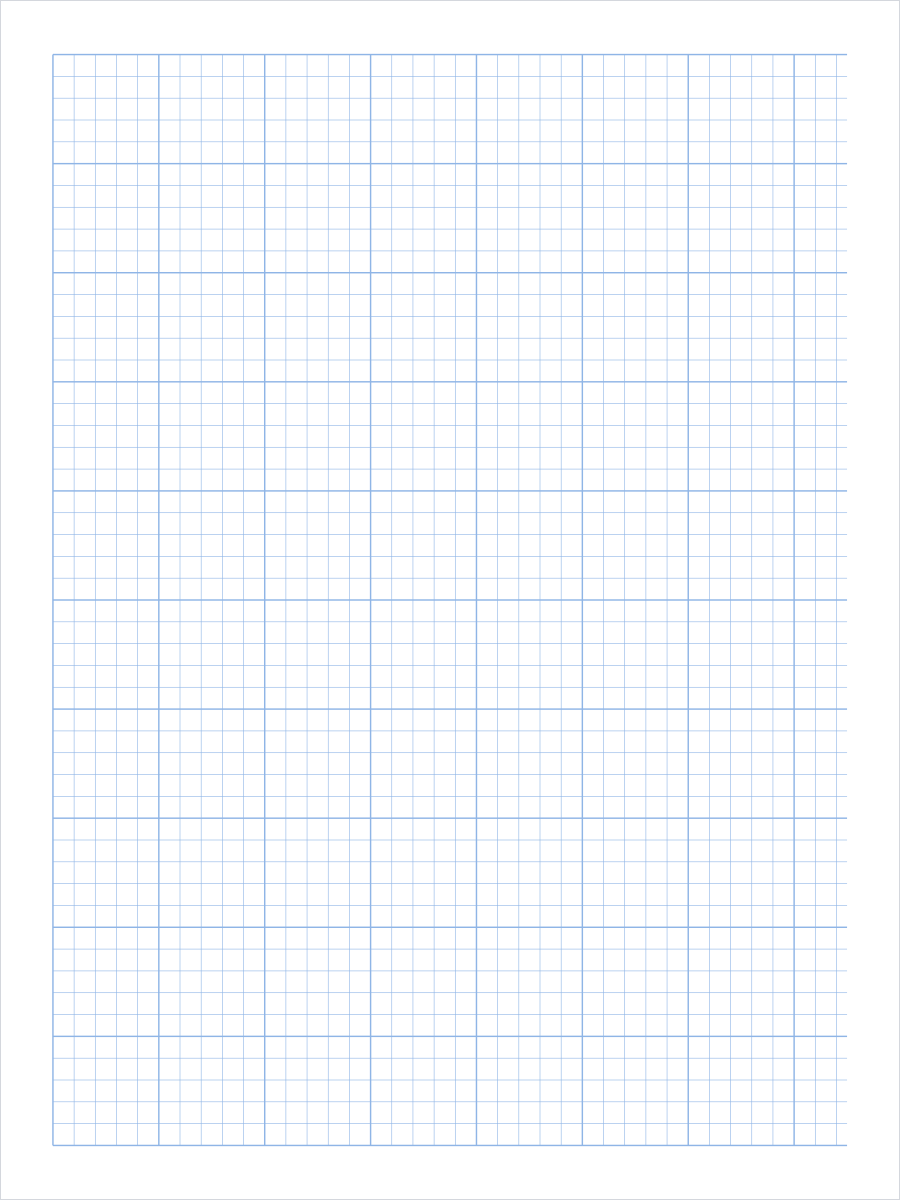
Best Uses
- Engineering calculations and problem sets
- Freehand technical sketches and dimensioned drawings
- Lab notebooks, data tables, and plotted results
- Circuit layouts, floor plans, and site sketches
Print Setup
The default file is generated for LETTER paper in portrait
orientation. Print at actual size when spacing matters.
The linked PDF is a static file, so it can be downloaded, printed, and shared even if custom generation is unavailable.
Why engineering paper uses two line weights
Every sheet on this page is a plain square grid with one thing added: a heavier line on every inch. That single change is what makes it engineering paper. The light squares give you a fine unit to work in, and the heavy lines gather those squares into blocks you can count without counting.
The reason is how the eye reads a dense grid. On a uniform sheet at ten lines to the inch, finding the twenty-third square from the margin means counting twenty-three times, and a miscount is invisible afterwards. With a heavy line every inch you count two blocks and three squares. The heavy lines also carry a second job in freehand drawing: they are a built-in straightedge and scale, so a sketch stays square to the page and a dimension can be read off the sheet later.
That is also why the emphasis sits on the inch and never on an arbitrary interval. All four sizes below put the heavy line in the same place; only the number of light subdivisions inside the block changes. Switching from 5 per inch to 10 per inch gives a finer grid without moving a single heavy line, so a drawing started on one can be finished on the other at the same scale.
Choosing between 4x4, 5x5, 8x8, and 10x10
Five squares per inch is the default because it is the ruling on the classic engineer’s computation pad, and because 0.2 inch is about the smallest square you can still write a digit inside. It is the right choice for worked calculations, homework sets, and any sheet that mixes numbers with sketches.
Ten squares per inch is the plotting ruling. Each square is 0.1 inch, so a decimal unit maps onto a whole number of squares and you can read a value to one tenth without interpolating. It is harder to write on, which is the trade: pick it when the sheet is mostly graph and not mostly arithmetic.
Four squares per inch gives quarter-inch squares, the same size as ordinary school graph paper, with inch blocks added on top. It suits scale sketches where one square is a convenient real-world unit. Eight per inch sits between the writing rulings and the plotting rulings, and is the one to use when you want a fine grid but still need to letter a few labels by hand.
Printing it at true scale
Engineering paper is only useful if an inch on the page is an inch. Print at actual size or 100 percent scale, never with fit to page or shrink oversized pages, both of which rescale the sheet by a few percent. That is invisible to the eye and enough to make a measured sketch wrong.
Check one sheet before you print a stack. Lay a ruler across the page and measure three heavy-line blocks rather than one, then divide by three, since measuring a single block magnifies any reading error. Three blocks should come out at three inches, or 76 mm.
The default sheet uses light blue lines, which stay visible under pencil while letting the work sit on top. Switch the colour to gray or black before photocopying or scanning, because light blue often drops out of a copier entirely and you would be left with a blank page. If your printer renders the light minor lines too faintly, raise the line weight one step rather than the colour; the heavy lines scale with it and the block structure is preserved.